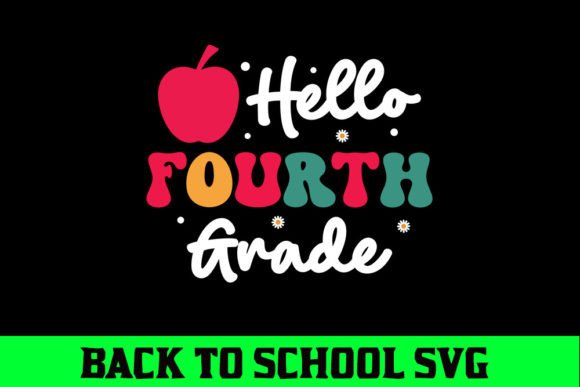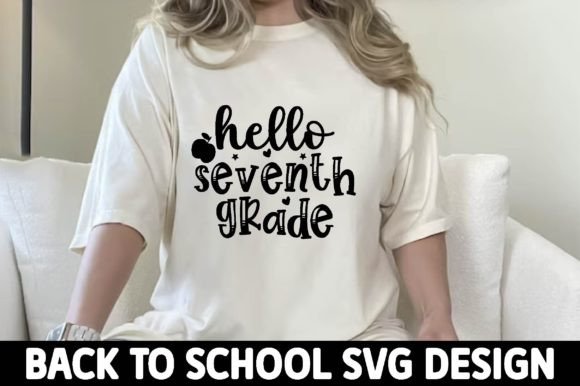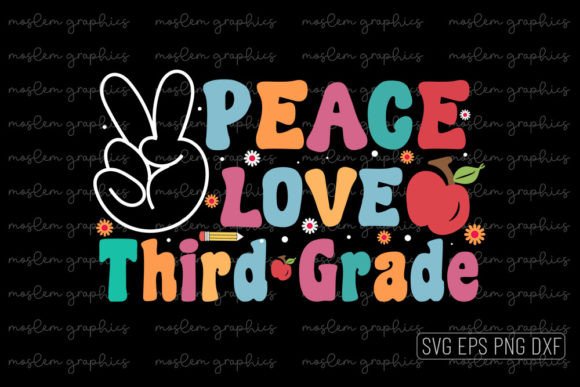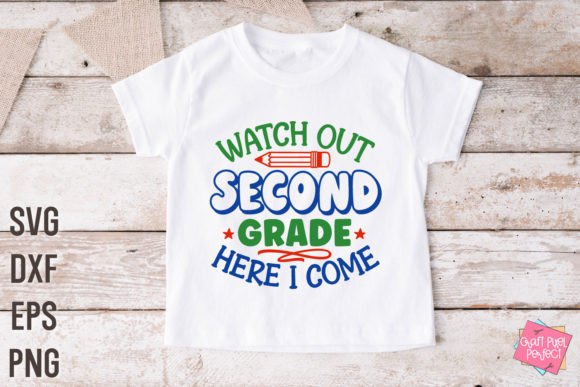
Back to School – Hello Third Grade SVG
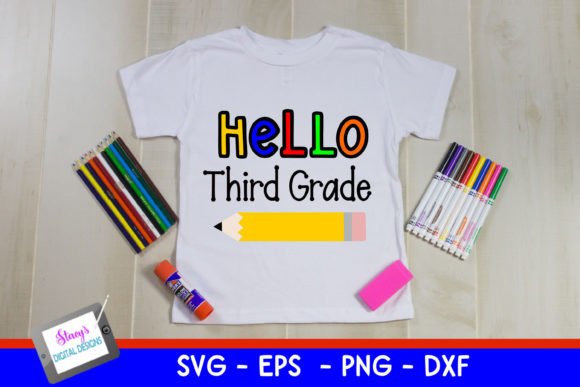
For educators preparing classroom decor, small business owners crafting personalized back-to-school merchandise, or parents designing custom keepsakes for a child’s milestone year, the Back to School – Hello Third Grade SVG offers a focused, production-ready design asset. Developed by Stacy’s Digital Designs, this file set centers on a clean, cheerful message—“Hello Third Grade”—paired with a classic clip art pencil motif. Its value lies not in novelty alone, but in its deliberate simplicity, format versatility, and alignment with common real-world production needs.
What You Get—and Why Format Variety Matters
The download arrives as a compressed ZIP folder containing four distinct file types: SVG, PNG, DXF, and EPS. Each serves a specific function across different workflows:
- SVG: Ideal for web use, Cricut Design Space, Silhouette Studio (with Designer Edition), and vector-based editors like Adobe Illustrator or Inkscape. Scalable without quality loss, it supports layering, color editing, and precise cut-path control.
- PNG: A high-resolution raster version (typically 300 DPI) useful for print-on-demand platforms, digital newsletters, or social media graphics where vector support isn’t available. Includes transparent background for seamless layering.
- DXF: Compatible with laser cutters, CNC machines, and older versions of Silhouette Studio. Maintains vector paths essential for precision cutting—especially relevant for wood signs, acrylic keychains, or fabric appliqués.
- EPS: A legacy vector format that retains editability in professional print environments, particularly when working with commercial printers or prepress teams unfamiliar with newer SVG standards.
This multi-format approach reflects an understanding of how diverse users actually work—not just what software they own, but how their output channels vary. A homeschool co-op leader printing name tags might rely on the PNG; a boutique owner producing iron-on transfers for t-shirts will likely use the SVG in Cricut; a school PTA member ordering bulk vinyl banners may hand off the EPS to a local print shop.
Design Execution: Clarity Over Complexity
The “Hello Third Grade” composition avoids visual clutter. The text is legible at small sizes (down to 2 inches wide), and the pencil graphic functions as both thematic reinforcement and subtle visual balance—not a dominant illustration, but a supporting element that anchors the message. Font choice leans toward friendly sans-serif readability rather than decorative whimsy, which improves scalability and ensures clarity when cut from vinyl or embroidered.
There are no gradients, shadows, or embedded raster effects that could complicate cutting or cause rendering inconsistencies across platforms. Paths are clean and closed—critical for reliable machine cutting—and the design uses minimal anchor points, reducing the chance of distortion during resizing. That attention to technical execution translates directly into time saved troubleshooting cuts or re-exporting files mid-project.
Real-World Use Cases and Practical Fit
This Back to School – Hello Third Grade SVG works best where consistency, speed, and audience resonance matter more than bespoke illustration. Consider these scenarios:
- Classroom teachers creating welcome posters, student name tags, or bulletin board headers—especially those managing multiple grade levels and needing quick, cohesive visuals.
- Educational content creators building printable PDFs (e.g., third-grade reading logs or math challenge trackers) who need watermark-style branding without distracting from learning material.
- Small batch crafters producing limited-run items like backpack charms, notebook covers, or tote bags for local school fairs—where fast file prep and reliable cut performance reduce per-unit labor time.
- Freelance designers supporting school districts or tutoring services with branded assets; having a ready-made, rights-cleared element speeds up mockup delivery and client revisions.
It’s less suited for projects demanding photorealistic detail, animated web elements, or multilingual adaptation—the design is English-only and static. Users expecting built-in color variants or layered editable components (e.g., separate pencil and text groups) will need to adjust manually in their editor. That’s not a flaw—it’s a reflection of scope: this is a purpose-built utility asset, not a full design system.
Compatibility and Workflow Integration
Before downloading, verify compatibility with your hardware and software stack. While SVG is widely supported, some budget-level cutting machines require DXF imports, and certain embroidery digitizing tools don’t accept SVG natively. The inclusion of DXF and EPS mitigates that risk—but only if you know how to open and convert them correctly. For example, opening an EPS in Photoshop yields a raster image, not editable vectors; using Illustrator or CorelDRAW preserves path integrity.
Also note: This file set doesn’t include fonts. If you wish to modify the text (“Hello Third Grade”) to say “Welcome to 3rd Grade” or add a student’s name, you’ll need to replace the type with a compatible font installed on your system—or convert the text to outlines first (a standard step in vector workflows). That’s routine for experienced users but worth flagging for newcomers.
Who Benefits Most—and Who Might Look Elsewhere
The strongest fit is for practitioners who prioritize reliability over customization. Educators with tight August timelines, Etsy sellers launching seasonal listings ahead of July 4th weekend, or marketing coordinators supporting school supply brands all gain measurable efficiency here. The design communicates clearly, scales predictably, and integrates smoothly into existing production pipelines.
Conversely, users requiring heavy personalization—such as matching a specific school’s brand palette down to Pantone values, adding mascot graphics, or generating dozens of student-specific variations—may find greater long-term flexibility in commissioning custom artwork or using modular design templates. Likewise, those working exclusively in Canva or Google Slides won’t benefit from the vector formats unless exporting final assets for external production.
A Measured Assessment
The Back to School – Hello Third Grade SVG delivers what it promises: a straightforward, technically sound, multi-format design asset for a well-defined transitional moment in elementary education. Its strength isn’t in standing out—it’s in fitting in. It works quietly in the background of lesson plans, storefronts, and home celebrations, supporting goals without demanding attention.
For professionals who evaluate creative resources by how much friction they remove—not how many features they list—this file set earns quiet respect. It doesn’t solve every back-to-school need, but where it applies, it applies well: consistently, cleanly, and without surprises.